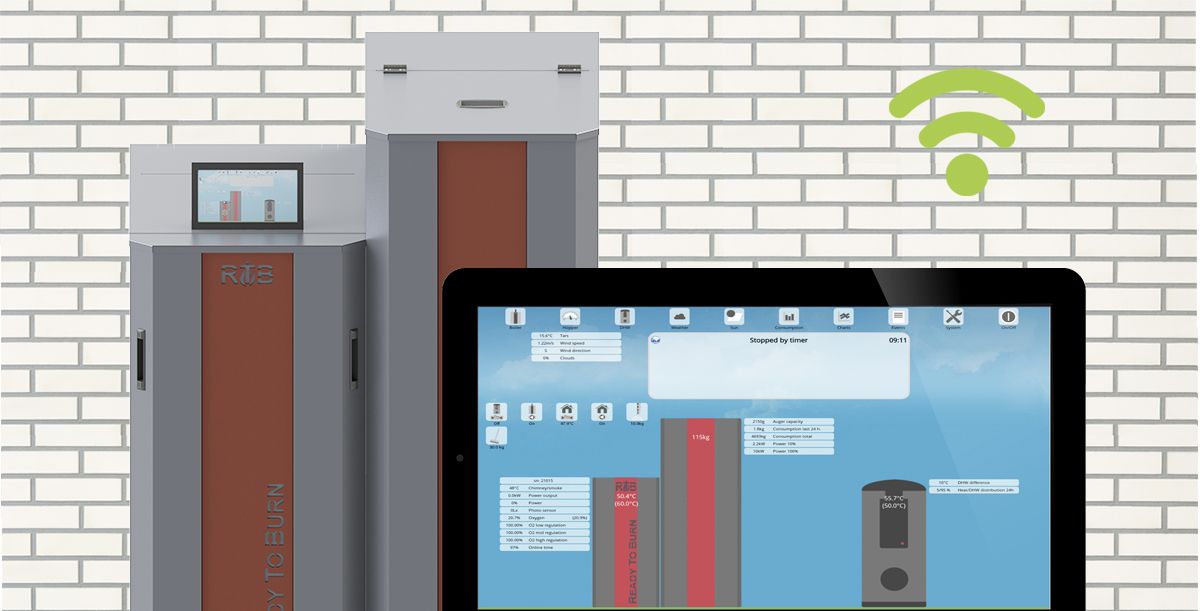
To all NBE boiler owners who were greeted in the New Year by cold radiators! The boiler is not working because the operating system needs to be updated. This can be done through the 'Menu' option on the control panel, but only if the boiler is connected to the internet.
If the boiler is not connected to the internet, download the updated software from nbe-global.com. Save the file to an empty SD memory card so that you can update the operating system and restore the boiler's operation. Before inserting the SD card into the boiler control system, switch the boiler off, insert the card and switch it on again. The system will install the new operating-system version automatically.
In the meantime, so that you do not spend the entire holiday under a blanket, change the year set in the operating system and the boiler will resume normal operation. Follow these instructions:
-
First disconnect the internet connection — either Wi-Fi or the internet cable connected to the boiler;
-
Wait until the NBE logo appears on the boiler display. A diagram of the boiler components will then appear; at that moment, press the 'Menu' button. Do not hold it down; press it twice until the 'system setup' section appears.
If you do not press the 'Menu' button at the correct moment, the system will restart. Try pressing it as soon as the image of the boiler components appears. If you are unsuccessful after 10–15 attempts, remove the display battery, reinstall it and try again.
Once you have opened 'system setup', use the arrows to find item 18, also called 'system setup', and select it. Then select 'clock year' and change the year from 2021 back to 2020. Press the 'Back' button until the image of the boiler components appears again. The boiler should now resume its normal operating schedule.
-
Once the house has warmed up, proceed with installing the new operating system. Reconnect the internet and open 'system setup' again. Select item 16, 'download', where the new system version will be available.
If you encounter any problems, write to or call the Commodus consultants on 27088108 or info@commodus.lv.
Comments